In the browser · no account · no upload

Tools for your store listing.

Four small helpers that run right away. Your images never leave the browser.

01

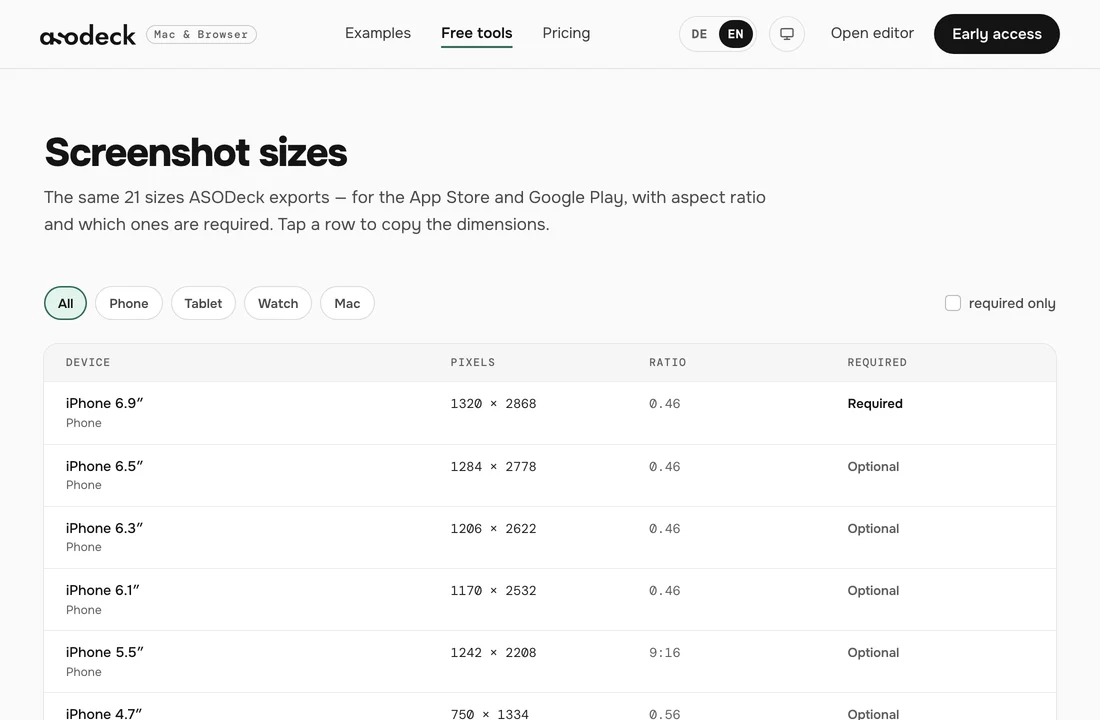
Screenshot sizes

Which size the store asks for right now, at a glance.

  • iPhone, iPad, Mac, Apple Watch and Google Play
  • pixels, aspect ratio and what is required
Open screenshot sizes →

02

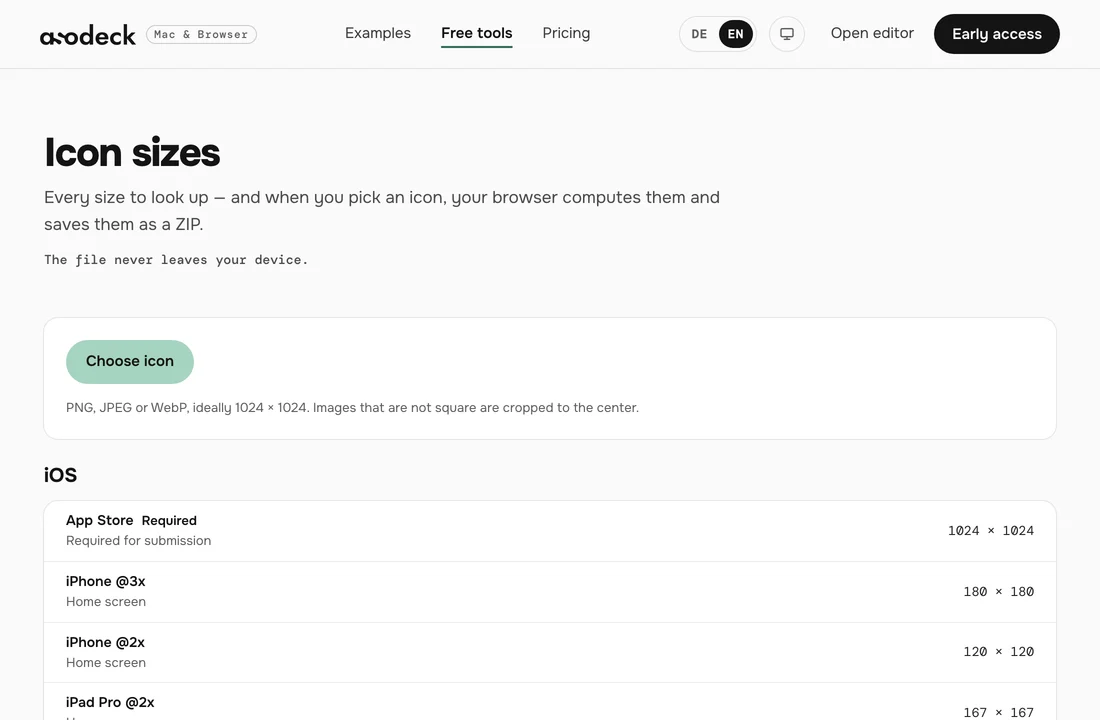
Icon sizes

One icon in, every size out.

  • iOS and Android in one go
  • as a ZIP, computed in your browser
Open icon sizes →

03

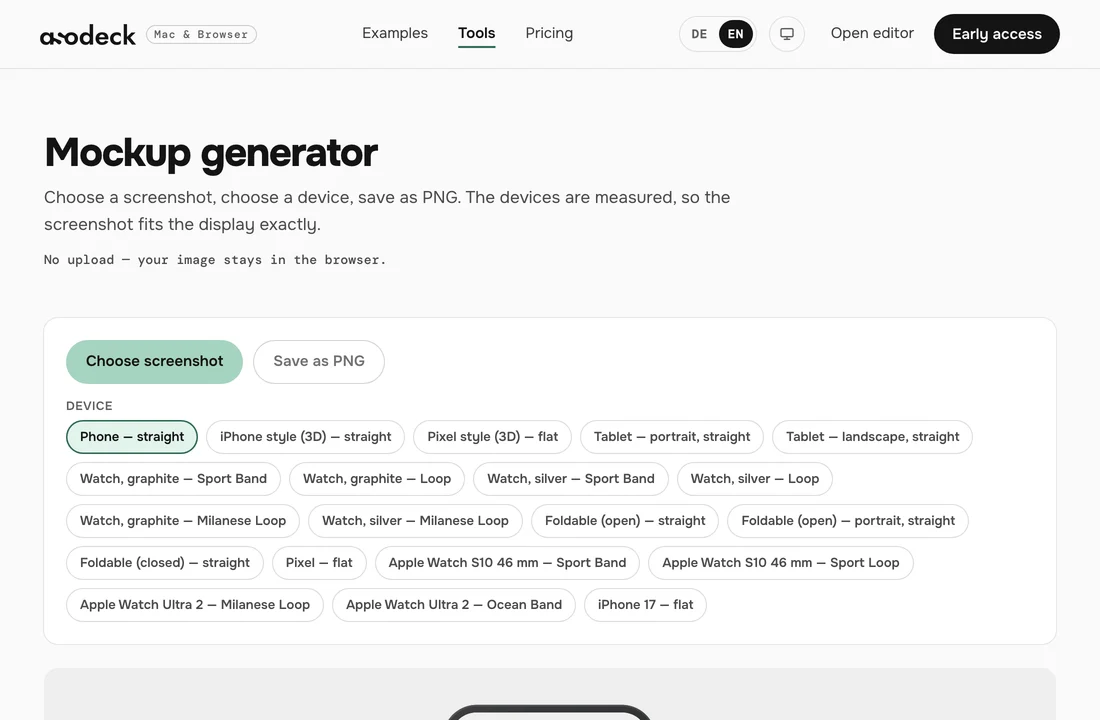
Mockup generator

Put a screenshot into a real device.

  • measured devices, the screenshot fits exactly
  • save as PNG
Open mockup generator →

04

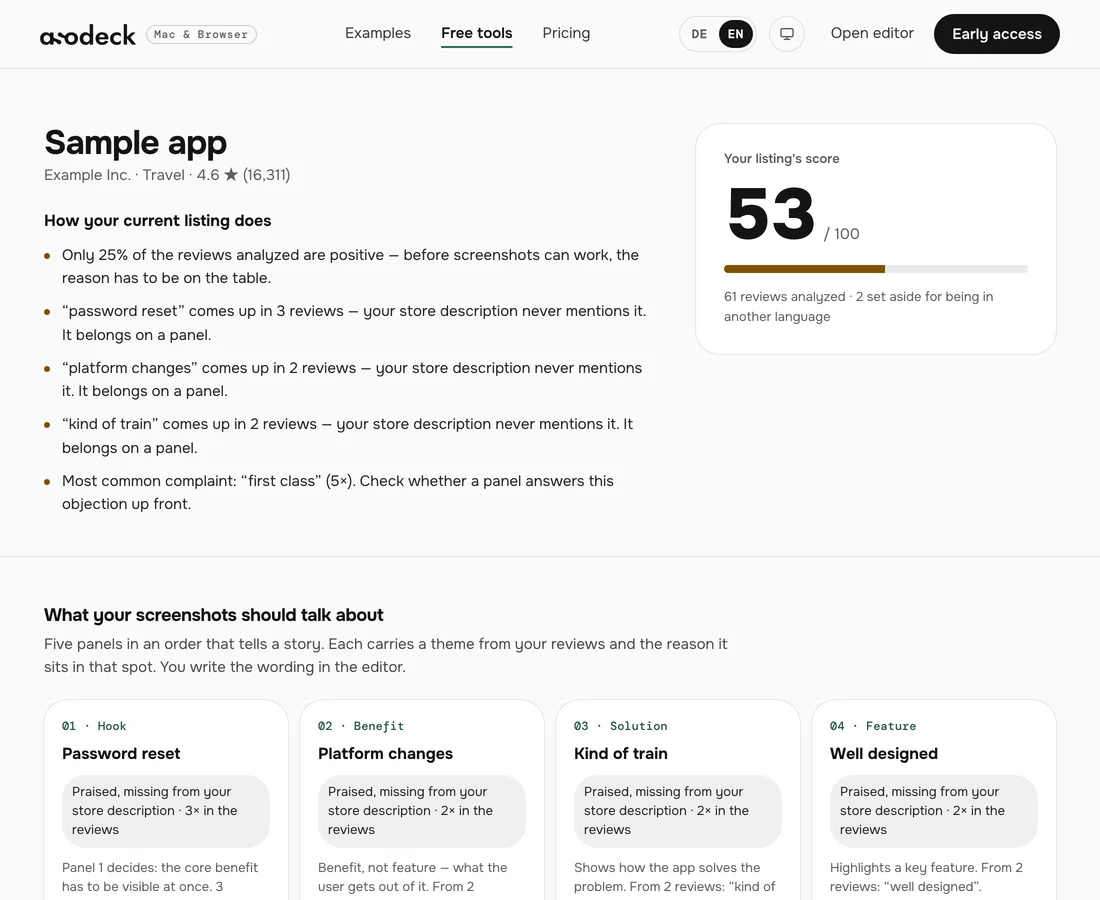
Review analysis

What your screenshots should say, read from your reviews.

  • a score for your current listing
  • themes backed by real reviews
  • a role for each panel, with the reason
Open review analysis →

Screenshot sizes

Main size per device · the same table as the export
  • iPhone 6.9″1320 × 28680.46Required
  • iPad 13″2064 × 27523:4Required
  • Apple Watch Ultra 3422 × 5140.82Required
  • Mac 2880 × 18002880 × 18008:5Required
  • Play Store Phone1080 × 19209:16Optional
  • Play Store Tablet 7″1200 × 19205:8Optional
  • Play Store Tablet 10″1600 × 25605:8Optional

The whole set instead of single parts?

The Mac app captures, designs and exports, with your agent.
Get early access
Free tools for App Store graphics — ASODeck